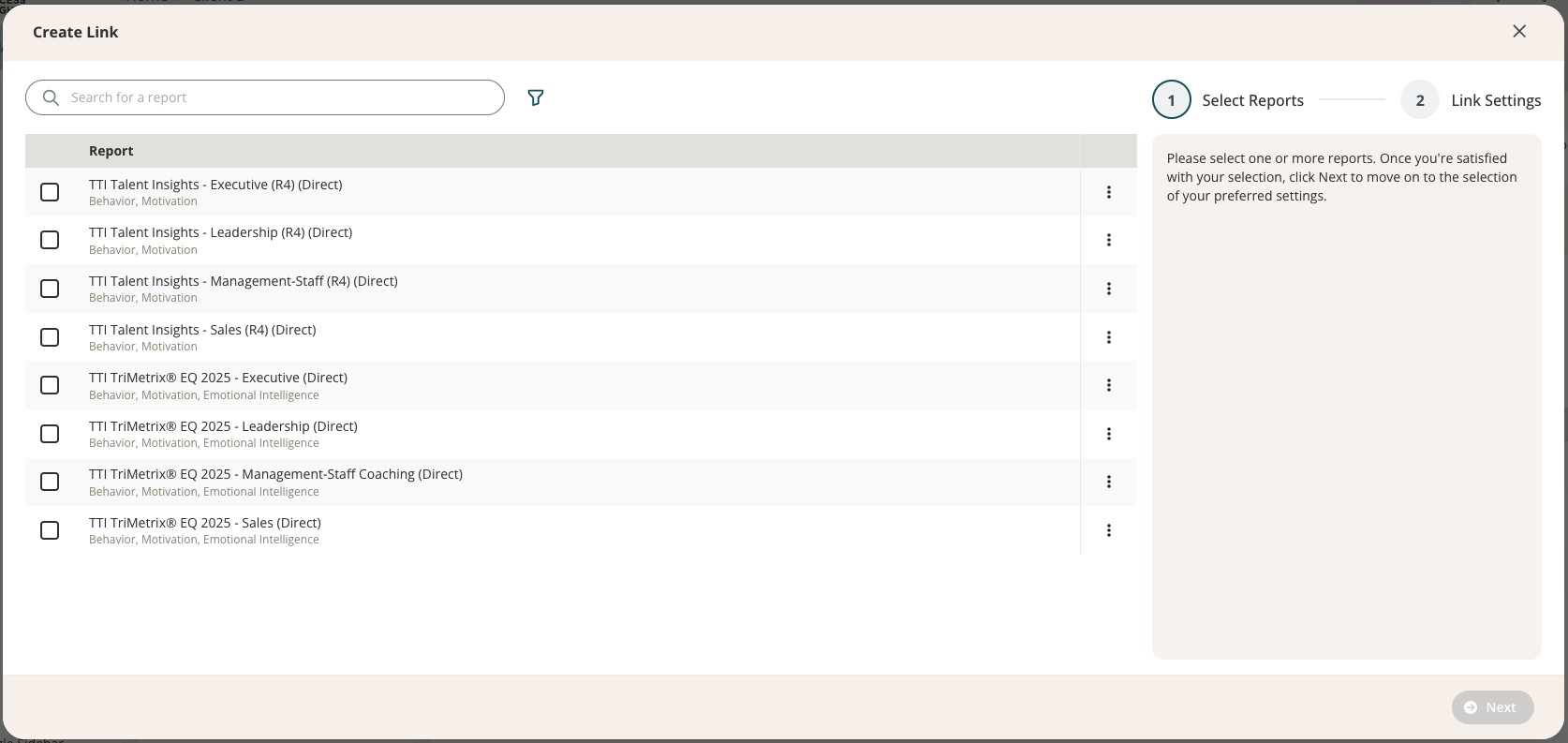
A new IDS4 interface update is now live, bringing more clarity and intentionality to the link-creation process. The biggest improvement: Marketing Reports now live in their own tab, separate from all other reports. This makes it easier to select the report you intend to use and reduces accidental selections.
What’s New: A Clear Split Between Report Types
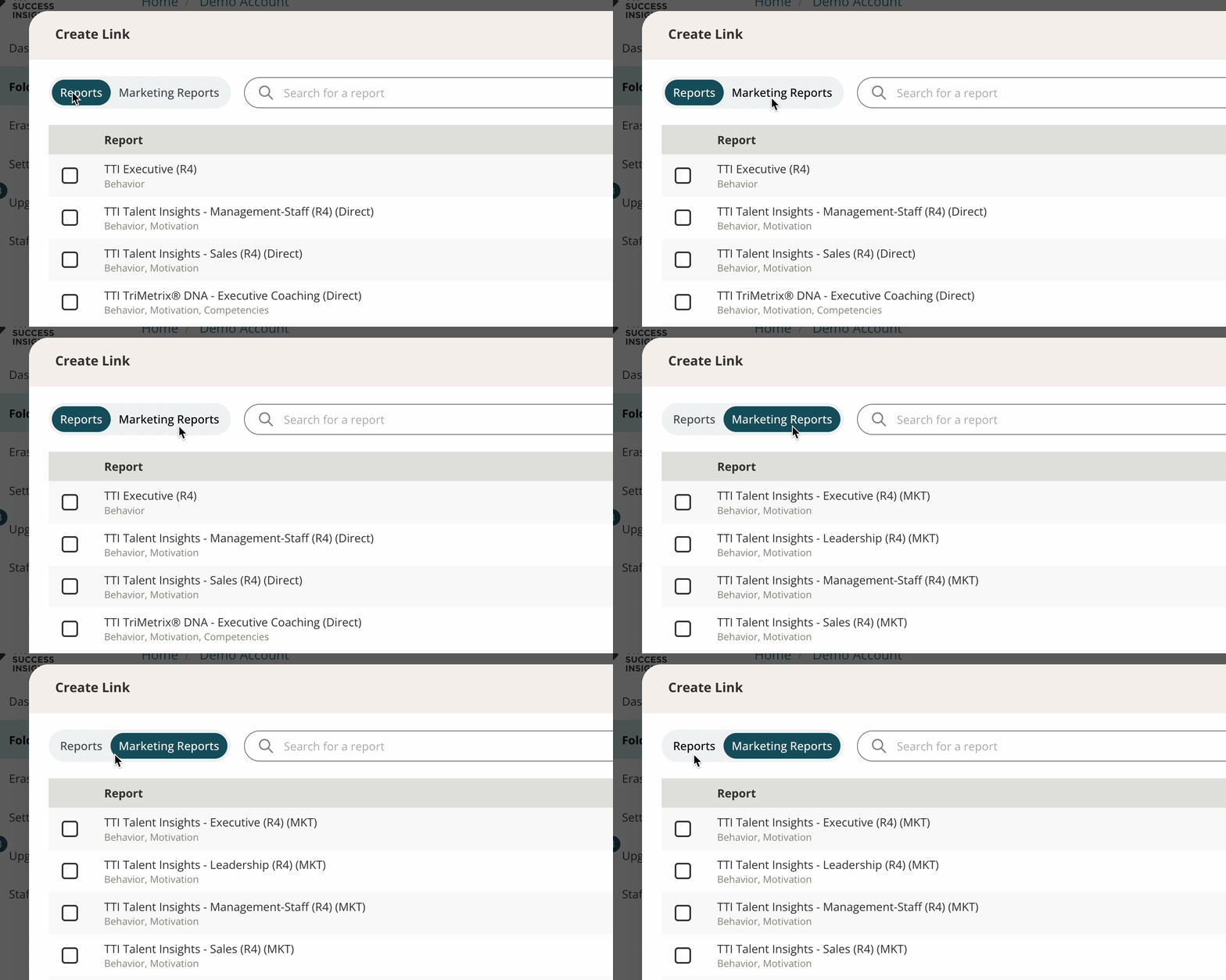
When creating a link, you’ll now see two tabs at the top of the report-selection screen:
- Reports – Contains all non-Marketing Reports, along with any customized versions your account has created
- Marketing Reports – Contains all Marketing Reports (labeled MKT) and any customizations of those Marketing Reports
This separation removes the previous mixed list and makes it easier to quickly locate the type of report you want.
How It Works
- The Reports tab includes every report except Marketing Reports, plus any related custom report versions.
- The Marketing Reports tab includes only Marketing Reports and their corresponding custom versions.
- If you select a Marketing Report, the Link Purpose will automatically default to Marketing & Prospecting on the next step, though you can still change it if needed.
Folder Share Users
Folder share users will only see the tabs that apply to the report types available within the folder they’ve been granted access to.- If no Marketing Reports are shared into the folder: Users will see only the Reports tab.
- If Marketing Reports are included in the shared folder: Users will see both the Reports and Marketing Reports tabs and can create links using either type.
Important: Marketing Reports are designed for sampling and promotional use, typically 1 to 3 reports per organization, to help decision-makers preview your services before purchasing. Because these reports are intended for preview rather than client delivery, they shouldn’t be added to folders shared with clients. Keeping Marketing Reports visible only to internal users ensures they’re used appropriately while maintaining a smooth experience for your clients.