
The fall 2026 IDS4 updates make it easier to get started, manage branding, and work with reports. Highlights include self-onboarding from IDS3, updated EQ scoring for English (US) reports, and improvements to printing and team report branding.
Explore the updates released from September 1 through October 31, 2026.
Self-Onboarding from IDS3 to IDS4
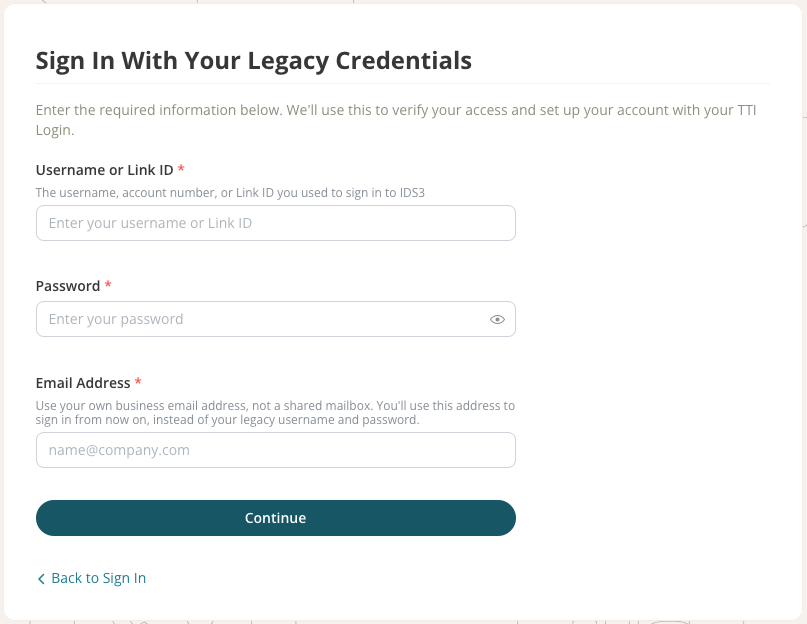
Anyone who had access to log in to IDS3 can now set up their own access to IDS4. Users can create their TTI Login and verify their email address as part of this process.
Updated Assessment Scoring
Emotional Quotient (EQ) reports in English (US) now use the 2026 scoring. This includes new Awareness and Regulation values and updated norms.
Better Printing for DNA 2026 Reports
DNA 2026 reports with multiple graphs now print one graph type on each page. The graphs use the DNA 2026 colors and fit within the page. We also fixed printing problems for these reports in Firefox.
Choose a Motivation Version
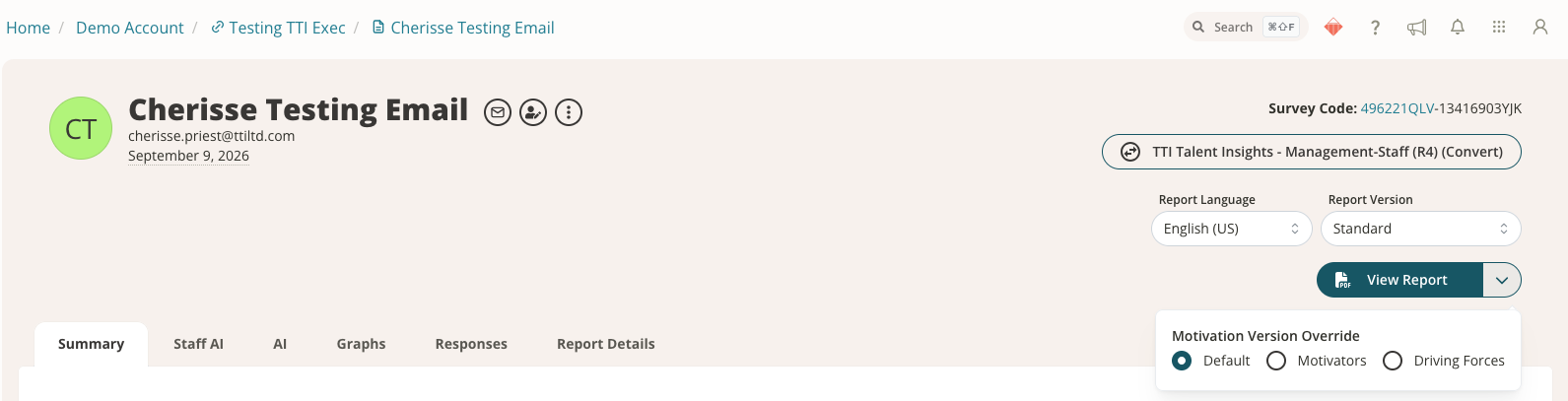
When you view an individual report that includes a motivation assessment, you can use a dropdown menu to choose between 12 Driving Forces and Motivators instead of using the default version.
Group Wheel Preview Matches the Final PDF
The group wheel preview now shows the same bars as the final PDF. The preview no longer shows names or initials that will not appear in the PDF.
Survey Codes in Report Emails
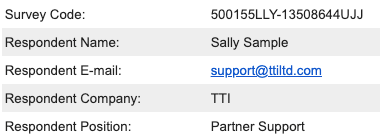
The email sent when a report is complete now includes the survey code for the person who completed the assessment.
Merged Reports Keep Their Paper Size
When you merge reports, the merged report keeps the paper size used in the original reports.
Branding for Teams
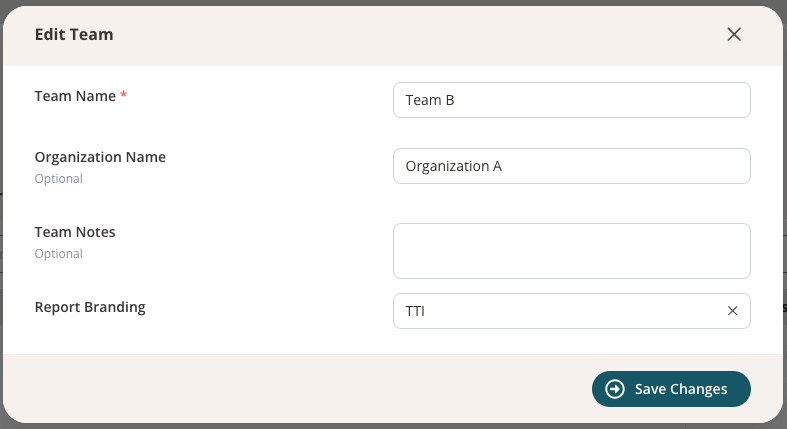
If your account has Teams and report branding enabled, you can set branding for individual teams. The setup works the same way as branding for a link.
Logo and Branding Updates
- All account administrators can now manage folder and survey logos on the new Logos settings page.
- The new image editor makes it easier to upload logos.
- Logos load faster and display at the correct size. New folders automatically use your account’s default branding.
Folder and Link Permissions
- Folder users can now receive permission to use “Manage Folder.”
- Folder and link users can receive permission to view survey responses if the account enables this option.
A Faster Way to Help Users with Impersonation
Impersonation lets account administrators view IDS4 as a folder, link, or team user they manage. This helps with troubleshooting and training. There is now a faster way to start: in Manage Access, hover over the user’s avatar, then select the impersonation icon that appears to go directly to their session.

Other Improvements
- Tables now include row numbers.
- The Description field now always appears in the link wizard.
- Error messages for report conversion are clearer.
